Game Jam: The Wall of Doom

Happy half term everyone - we hope you're relaxing, chilling... and coding! Are you ready for this half term's Game Jam event?
Happy half term everyone - we hope you're relaxing, chilling... and coding! Are you ready for this half term's Game Jam event? 

The Code Zone Game Jams are a free event for all our members where our young coders are given a fun and unique theme. They have to come up with their very own game or animation that matches the theme using Scratch, MakeCode or Python. Putting all the skills they've learnt in our Game Dev Clubs to the test! 

This half term's theme is.... The Wall of Doom! And wow we had some amazing entries from all of our members :) 
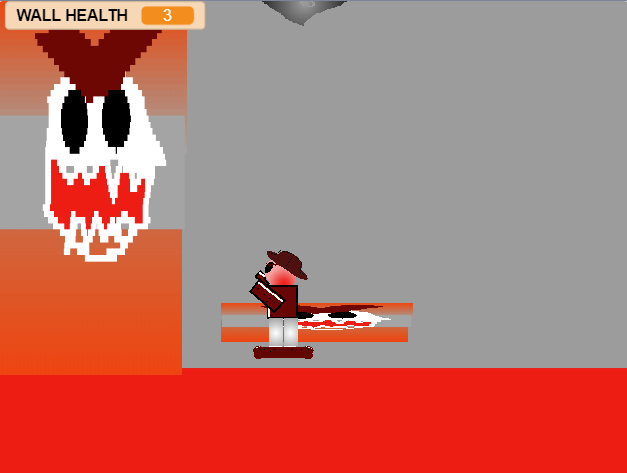
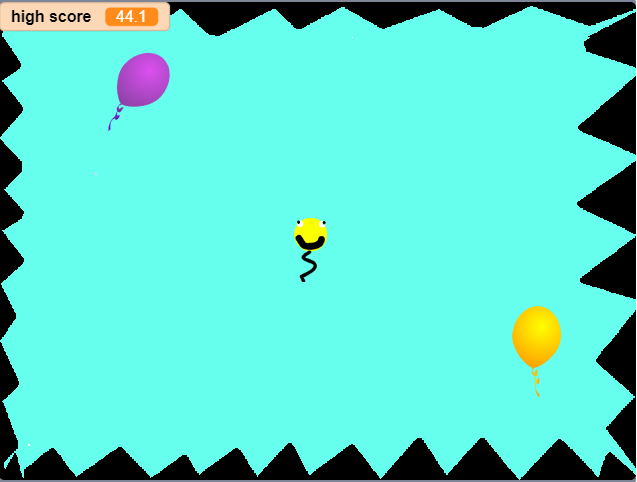
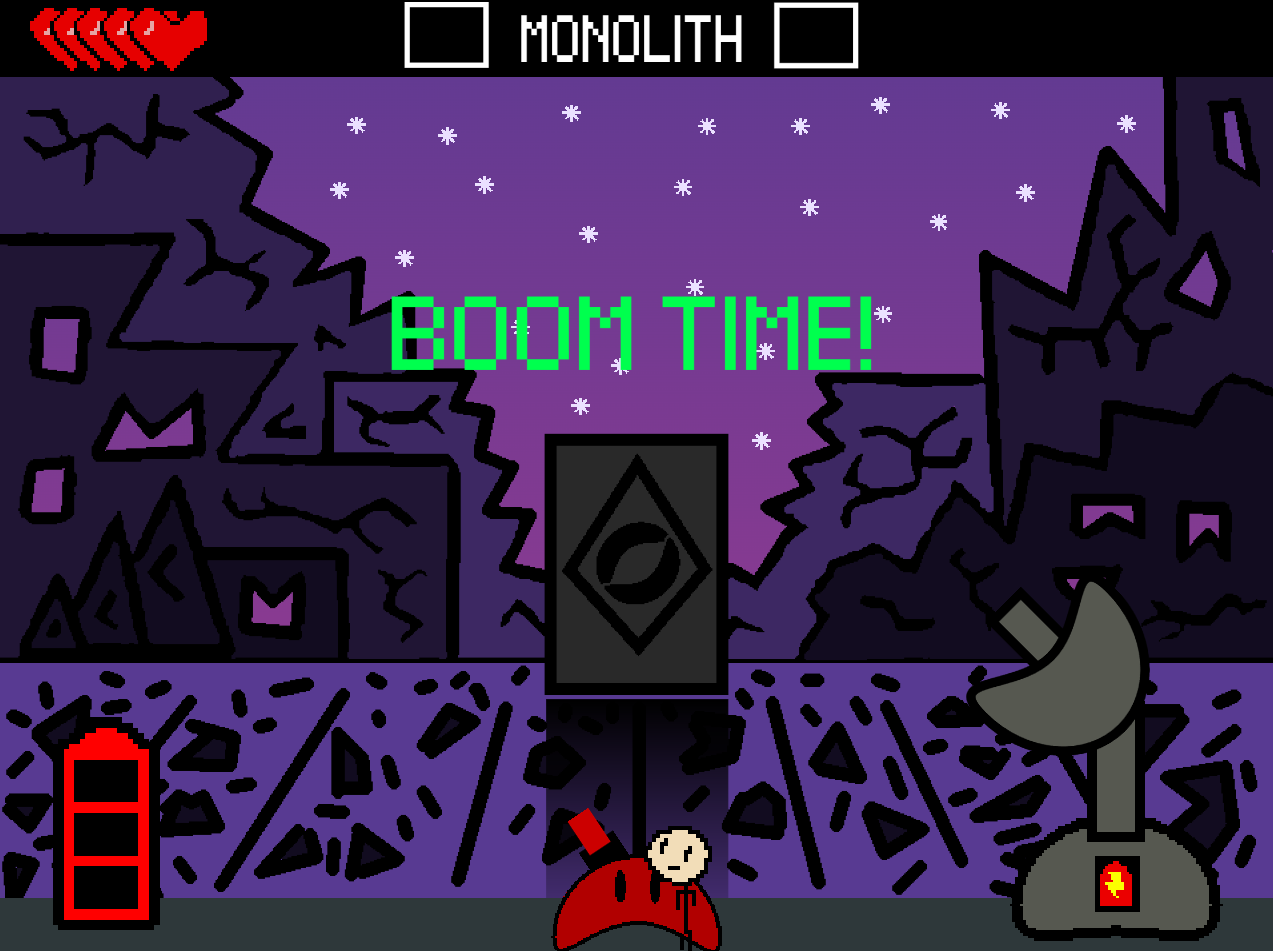
From 'Possum vs Wall', to 'The Ancient Wall' and 'The Jump of Doom' - all of us Code Zone mentors are so amazed at all the games we've seen!

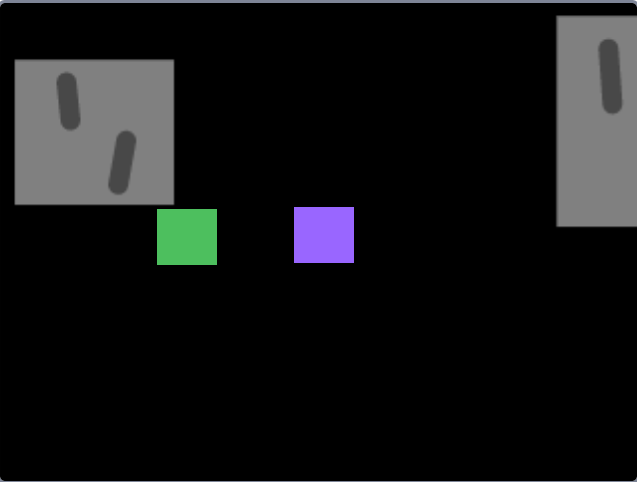
All children who took part have earnt themselves this cool Game Jam badge (the icon above!) to add to their profile as well as lots of xp given by both the mentors and their fellow young coders. 

Be sure to check out everyone's projects below and give them some much deserved xp for their hardwork!

Keep an eye on this space for our next Game Jam - we can't wait to see what you all code next for us :)

Until then, happy coding!

How a game jam works

  1. Six to eight weeks of club

    An hour a week, the same mentor, a group of no more than six. Over a term the pieces stack up: events, loops, variables, functions, and whatever else the thing they are building turns out to need.

  2. Then the holidays, and a theme

    We announce a theme and stop there. No brief, no worksheet, and no deadline you can fail. It is the one stretch of the year with an unbroken run at a single idea, which is why most of the building happens here rather than in the term.

  3. Then somebody else plays it

    Finished games go up on our own platform and on this page, where sharing between members is moderated by mentors. Other children play them and award XP. Having a stranger pick up the thing you made is the part that keeps children coming back.

The games our members made

22 games 20 makers 415 XP awarded by other members Built in MakeCode and Scratch

Every one of these is playable in the browser, no account needed. Have a go at a few.

Scratch 22 XP (coding experience points)

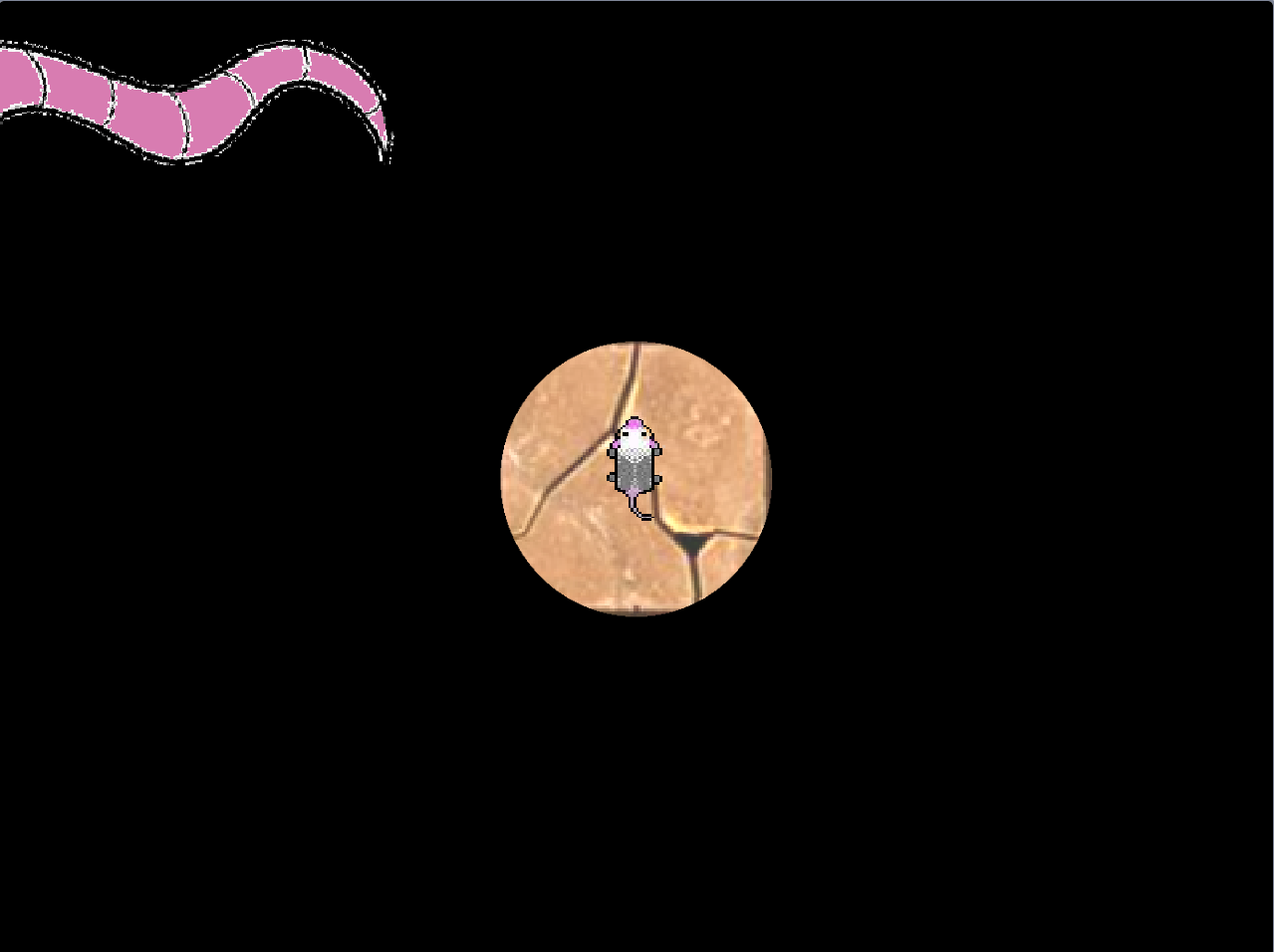
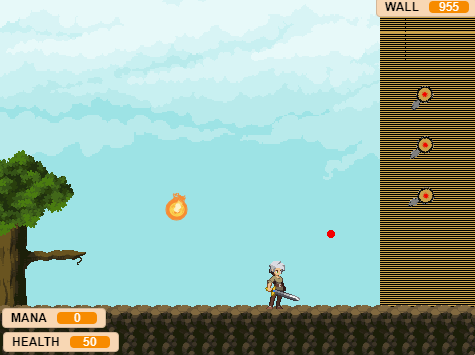
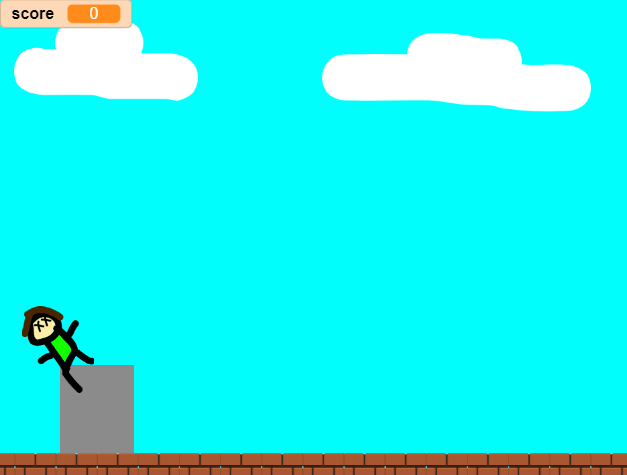
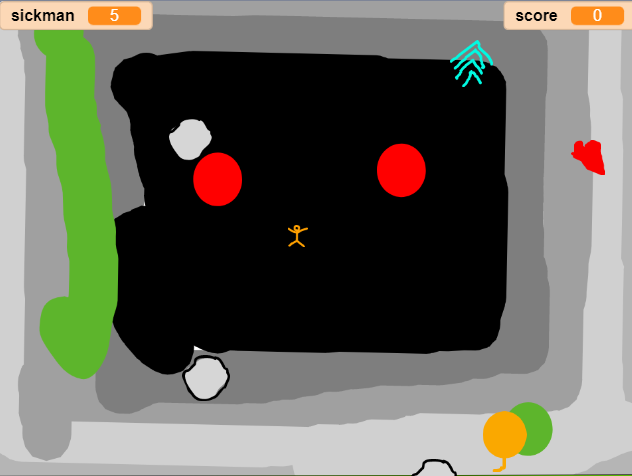
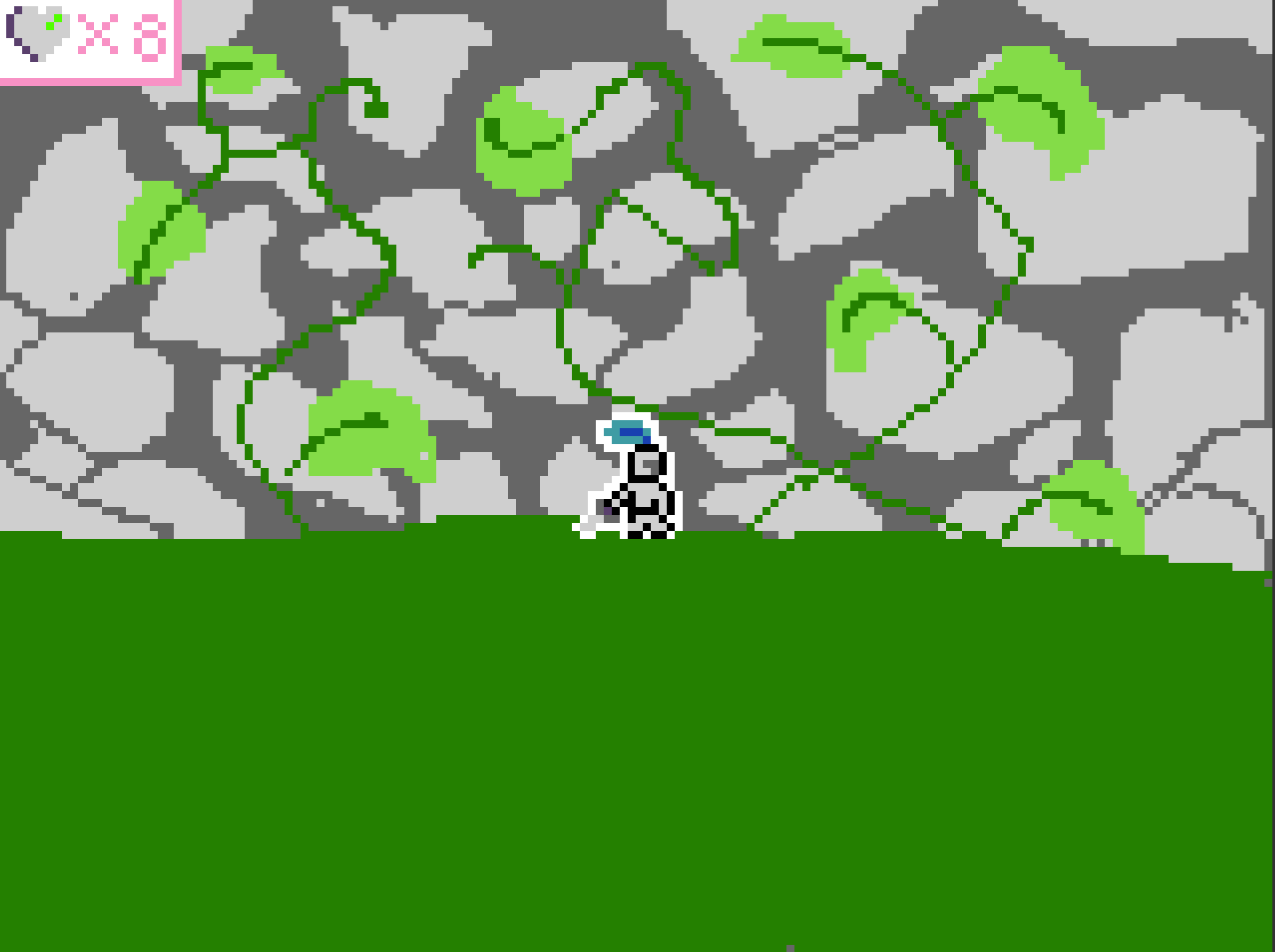
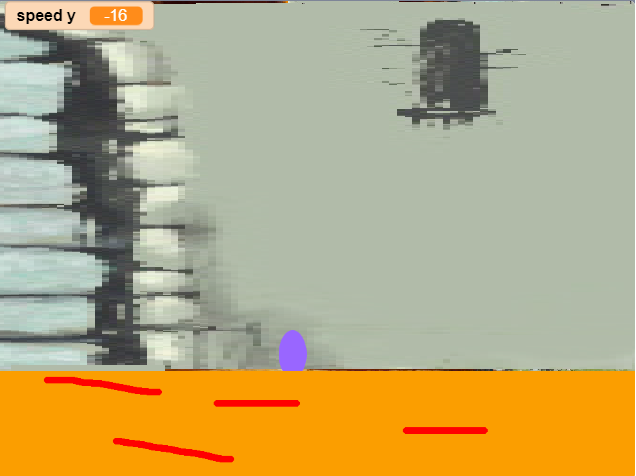
Possum vs Wall

by Jaz

Use the arrow keys to move your possum. Using the space bar in to interact/use items. Touching flames will help light…

Scratch 12 XP (coding experience points)

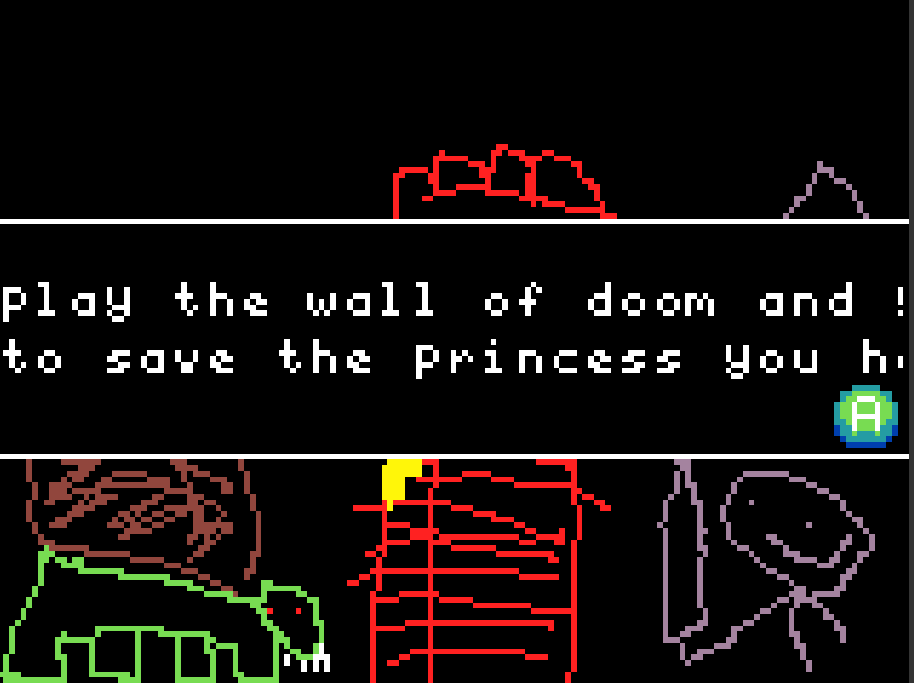
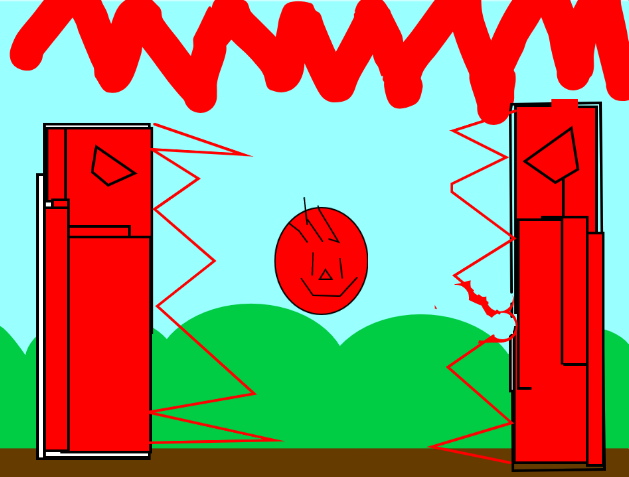
The Wall of Doom!

by LibbyBurns

No not really all you need to do is press the green flag to start the animation and DEFINITELTY make sure your sound is…

Scratch 7 XP (coding experience points)

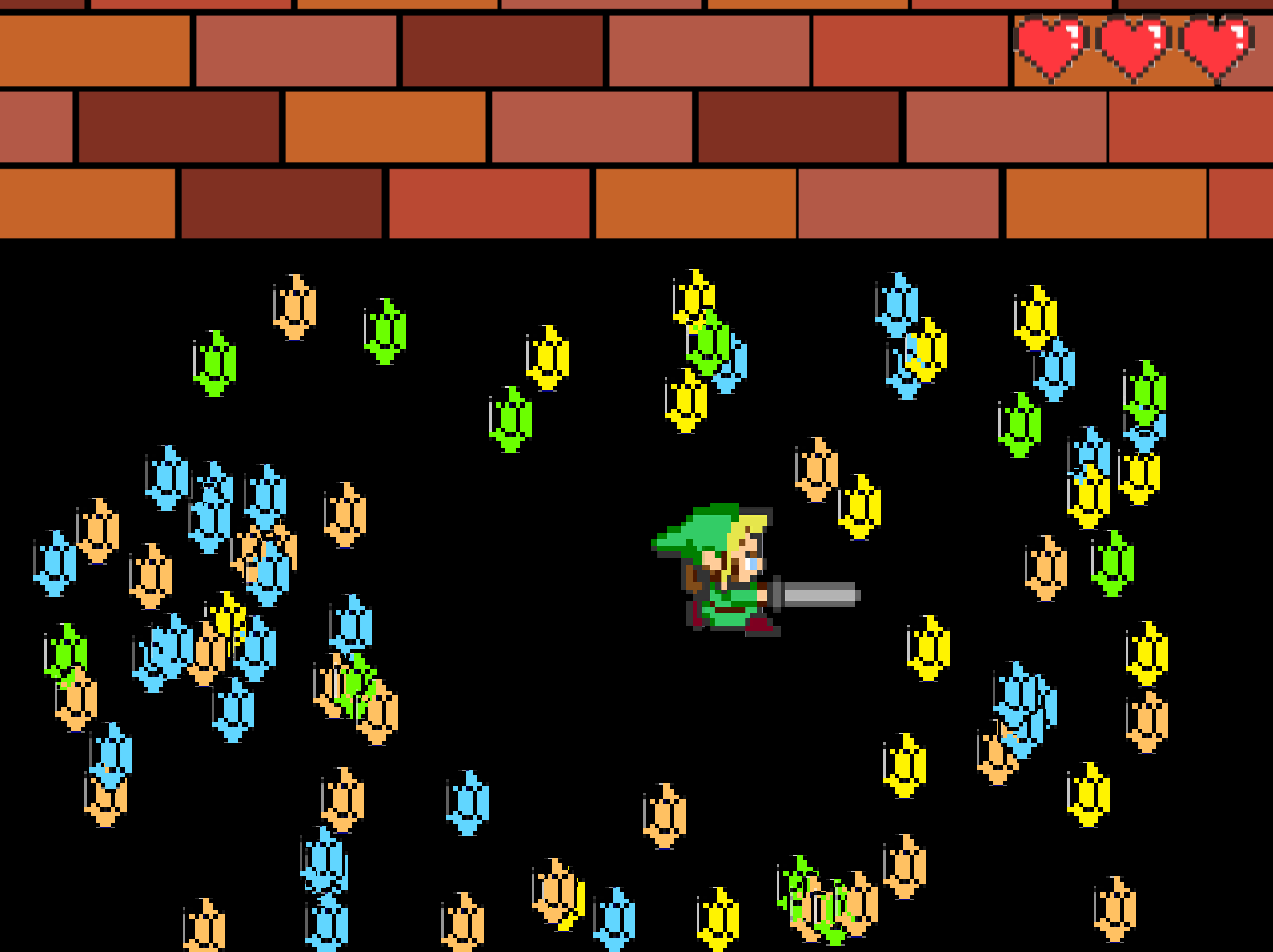
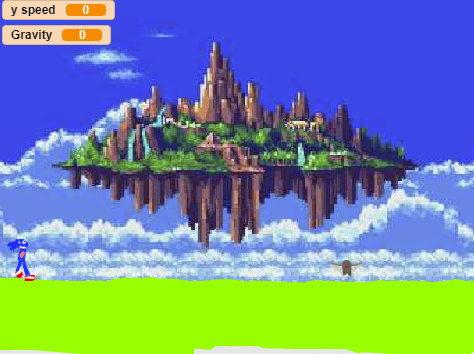
The Walls of Doom!

by Charlie26

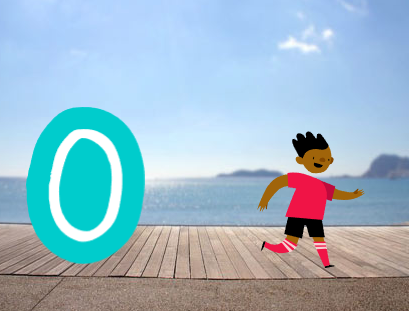
explore du map dont go to x-1250 or x 1250

Scratch 3 XP (coding experience points)

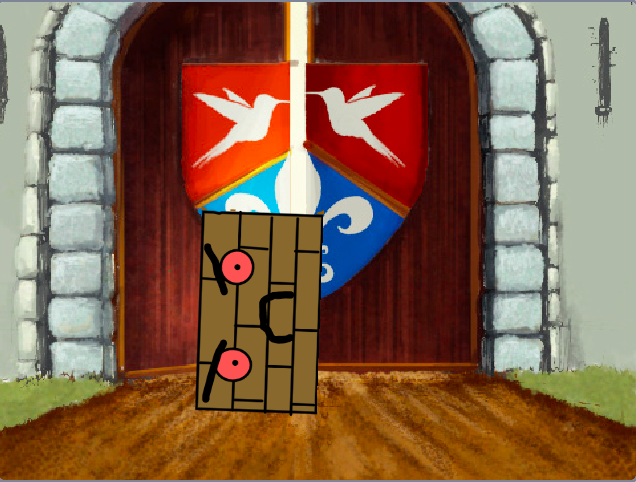
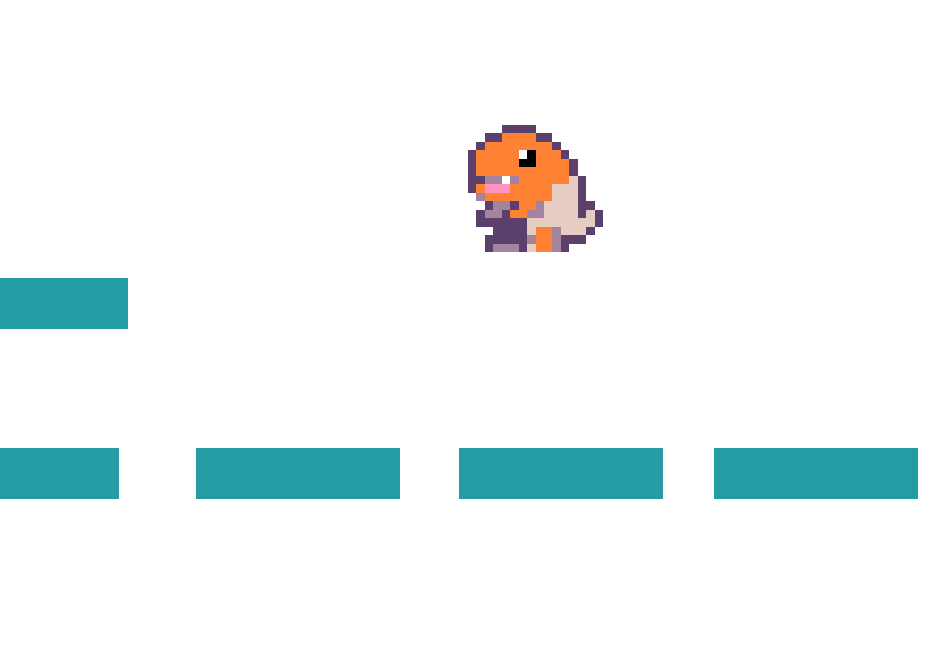
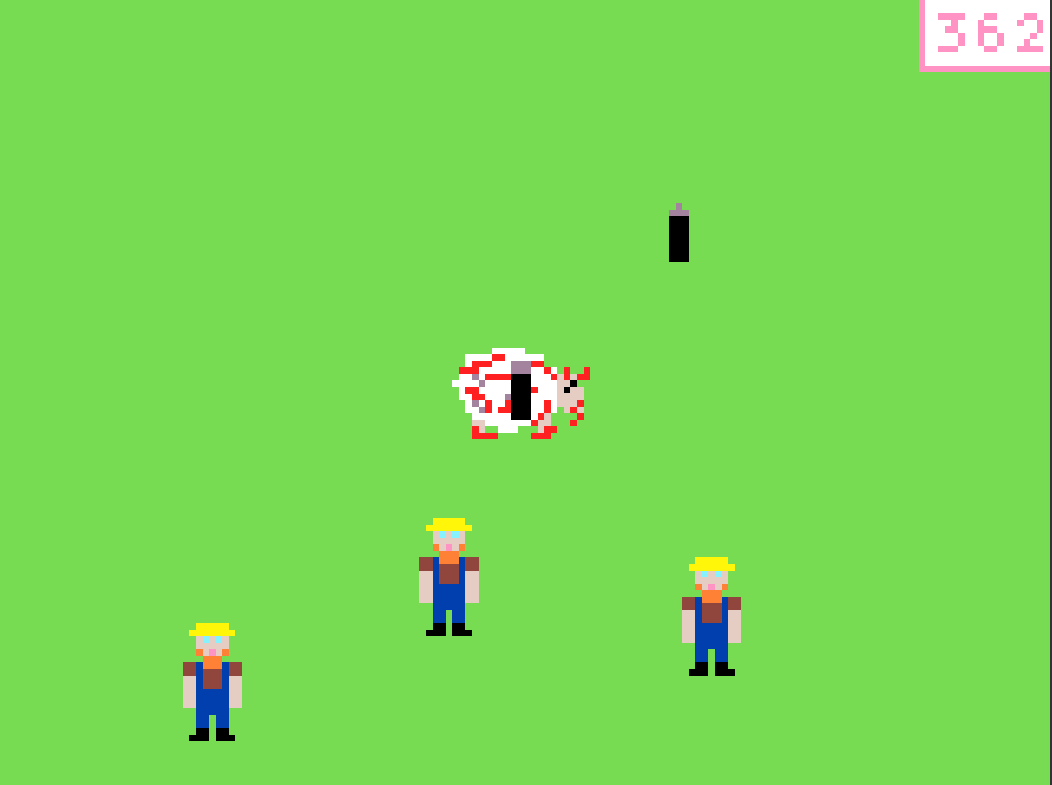
The Wall of Doom!

by Ricardo

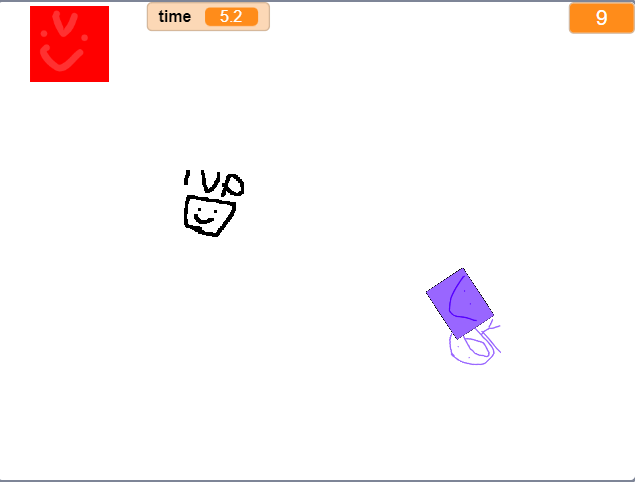
Survive the wall for 1 minute and you win the game By Titi PS:Use arrow keys to move

About our game jams

A game jam is a themed build: we announce a theme, and children across the Academy spend a few weeks making something from it. There is no brief beyond the theme and nothing to finish by a deadline you can fail. Children share what they made on our own platform, where chat and sharing between members is moderated by mentors.

Jams are included in Academy membership. They are the part of the Academy where everybody is working on the same thing at once, which for a self-paced course is worth having.

More like this

The blog is in two halves. Guides are the evergreen explainers written by the mentors who teach the clubs, covering the questions parents actually ask: what comes after Scratch, how to support a coding-mad child when you cannot code yourself, and what works for autistic and ADHD children.

Club news is the other half, and it is where posts like this one live: game jams, Minecraft builds and weekly roundups, written up by whoever ran the session. Neither is marketing. If you want to know what the work actually looks like before you sign up to anything, club news is the more honest read of the two.

Creating an account is free and we do not ask for card details. Create a free account, see what it costs, or read about support for neurodivergent children.