Winter Game Jam 2024: The Game Before Christmas
Only one week left until Christmas! And you all know what that means... it is time for another Code Zone Game Jam!
Only one week left until Christmas! And you all know what that means... it is time for another Code Zone Game Jam!
During half-terms and the various holidays throughout the year, The Code Zone loves to host a Game Jam to give our members the opportunity to make games and animations of their own using the coding skills they gained with our coding clubs and mentors.
During our live clubs, members can get the help of a STEM-certified mentor through a live video chat whilst our starter and academy members can contact our mentors throughout the week via our live chat to get help and advice on how to make their games their own.
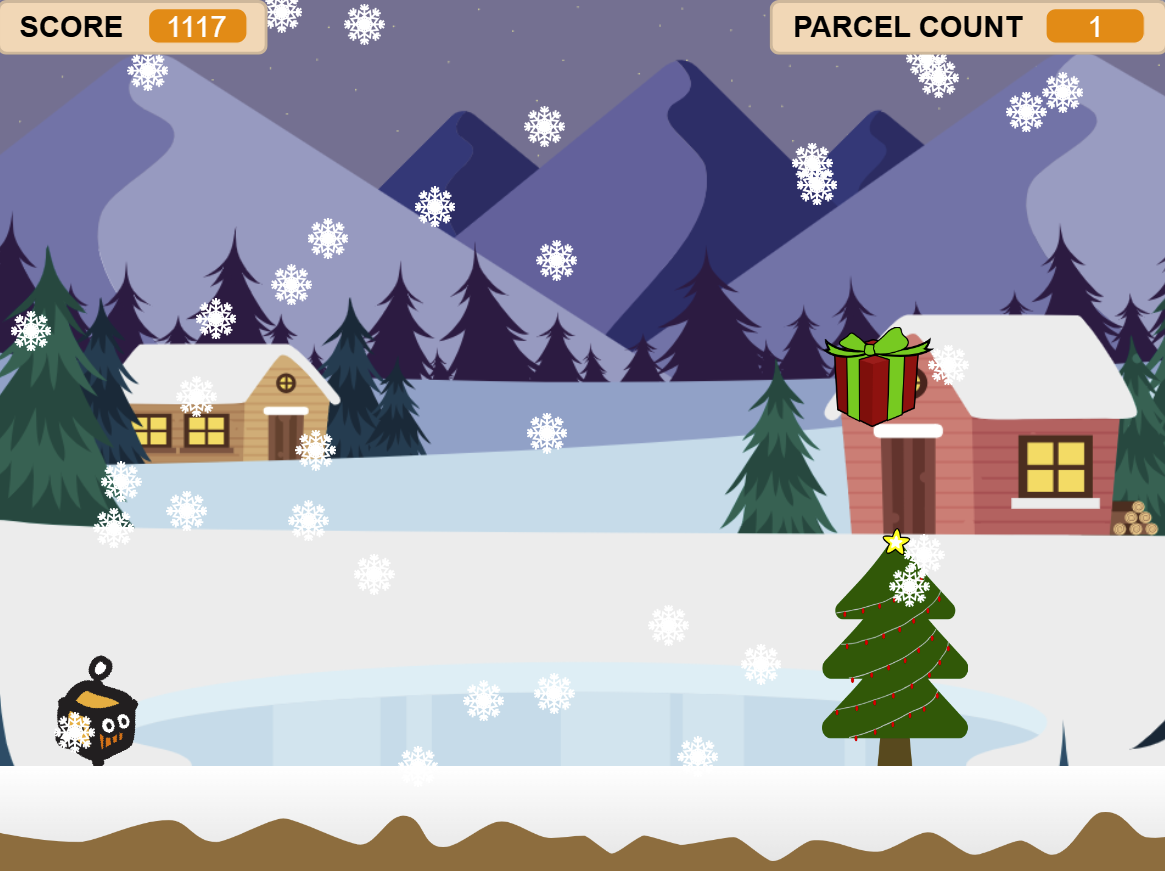
Kicking off this week, we have our latest Game Jam: The Game Before Christmas. Our coders were given some base code for an infinite runner style game where the Zonebot must leap over Christmas trees obstacles! We have seen a plethora of amazing entries for this week's winter theme. In no particular order, here are some of our favourite entries so far!
"The Game Before Christmas: starring the Christmas Pupper" - Niamh
Instead of having our own mascot Zonebot catching presents, this festive entry stars a Christmas Pupper! This little furry friend has a job to do as well; collecting all the bow-wrapped bones for his four legged friends. It isn't just Christmas for humans, you know!
Not only does this game include the bonus bows which gives our Christmas Pupper more points, but we've also got some AMAZING animation with the twinkling Christmas lights and falling slowflakes. Animation requires several costumes, adjustments in x and y positioning as well as cloning code - a fabulous feat for this Game Jam.
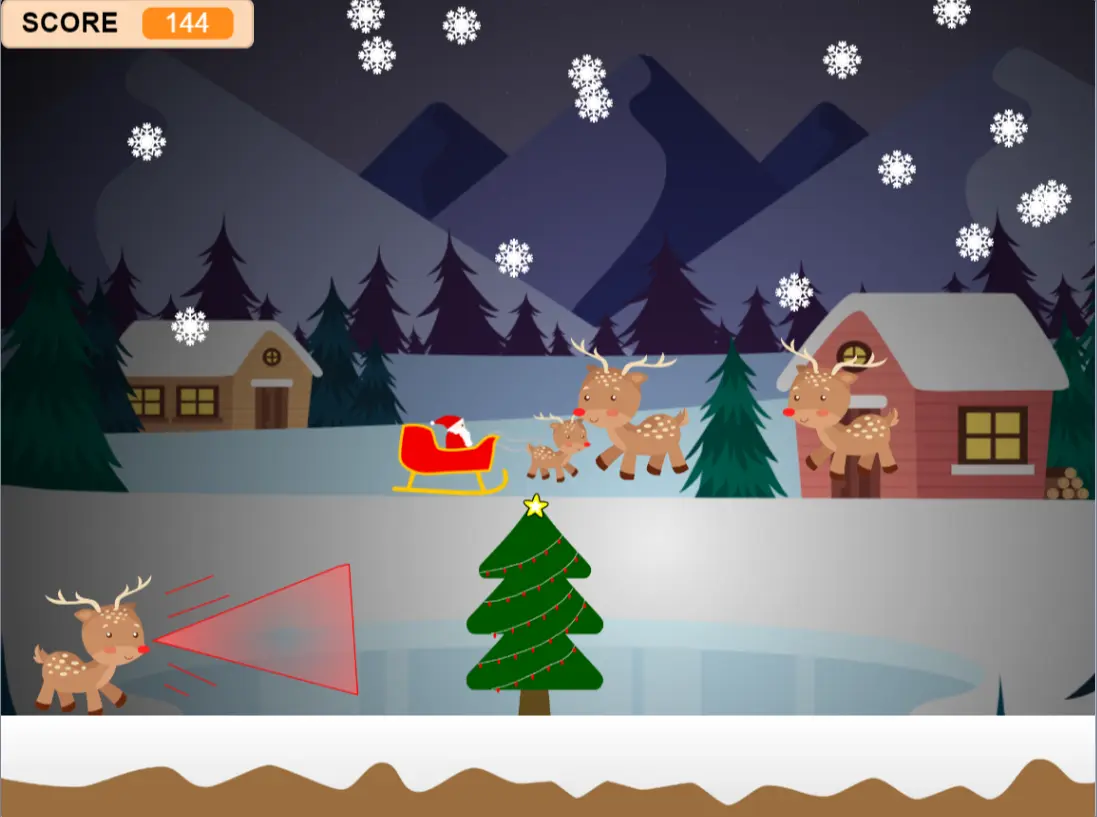
"Rudolph to the Rescue!" - Lilya
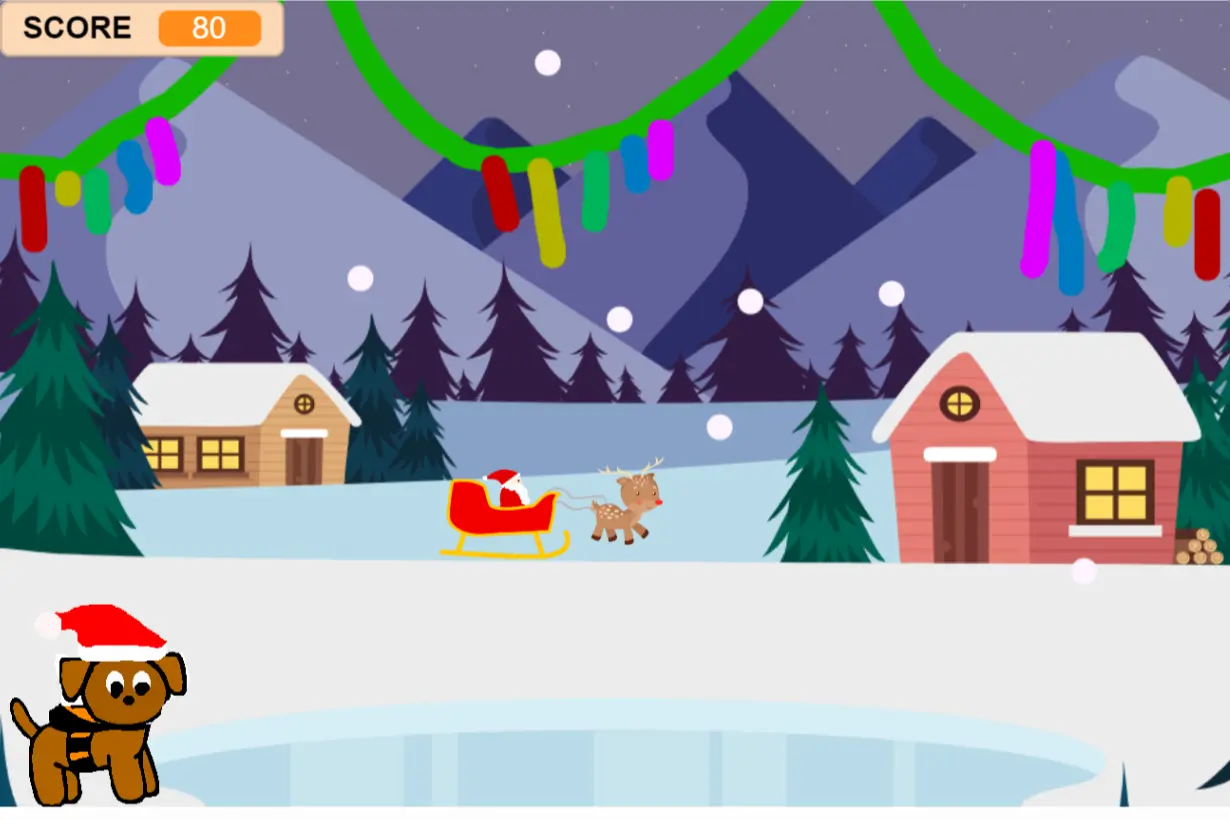
This entry was done by one of our tasters this weeks... that's right! Even tasters can participate in Game Jams and what an amazing job she did. Using the theme of reindeer, it is up to Rudolph to save the day and get all the presents ready for Santa.
In this Game Jam, we added some animation for the snow as well as reindeer moving around the in the background. We also added extra obstacles to the game - so Rudolph has to fly over both trees and snowmen in order to get the presents. This was Lilya's first time coding and we are all so impressed with the amount of features she added to her Christmas game.
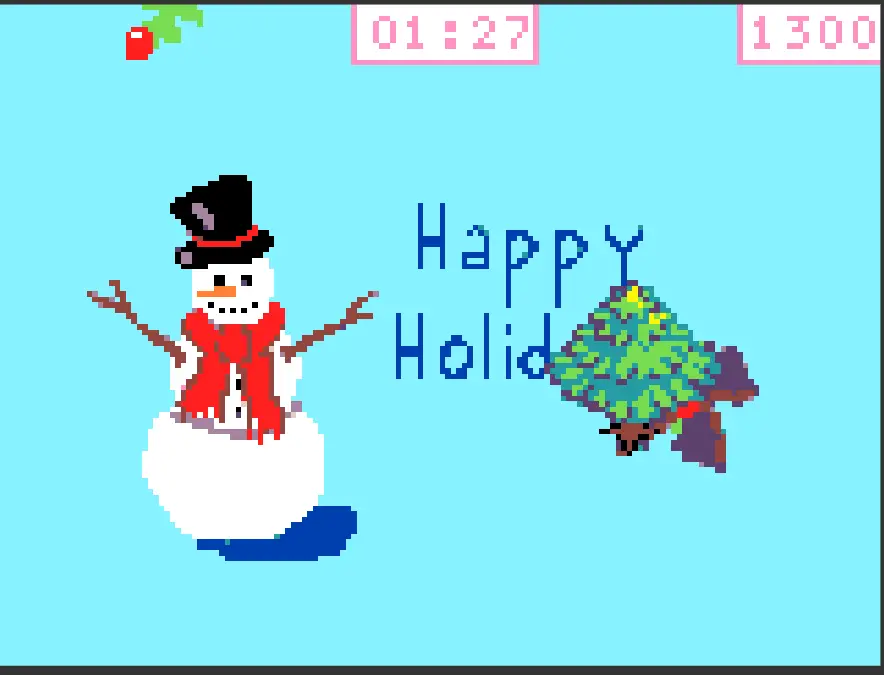
'Christmas Clicker' - Leo
Not only have we had Scratch Game Jam Entries, but MakeCode ones as well. This entry was done by one of our Game Dev Members, and instead of using a base game to create their entry - they made the game entirely by themselves! This fun clicker game involves trying to catch a variety of Christmas goodies from trees to puddings and jams and gifts.
Depending on what the player clicks on they can either receive extra points or extra time in the clicker game. We always love seeing a game built entirely by one of our members - great job!
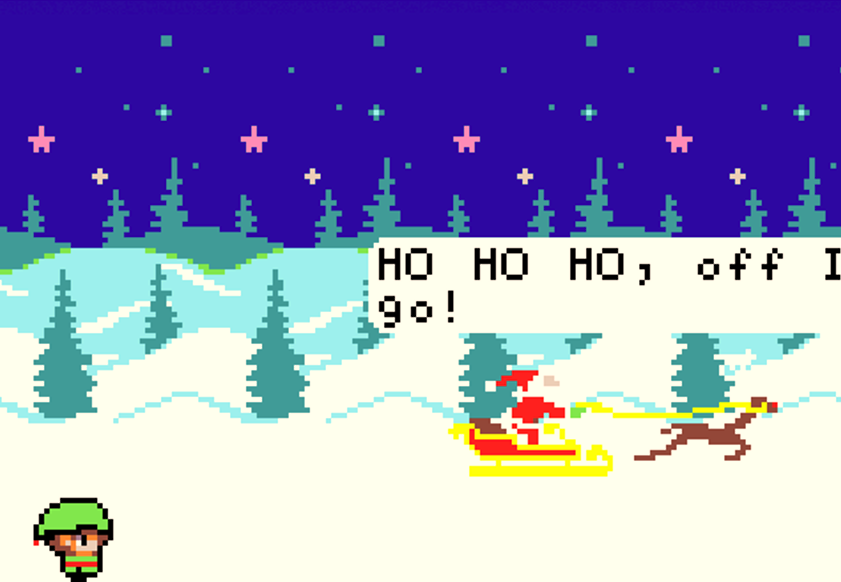
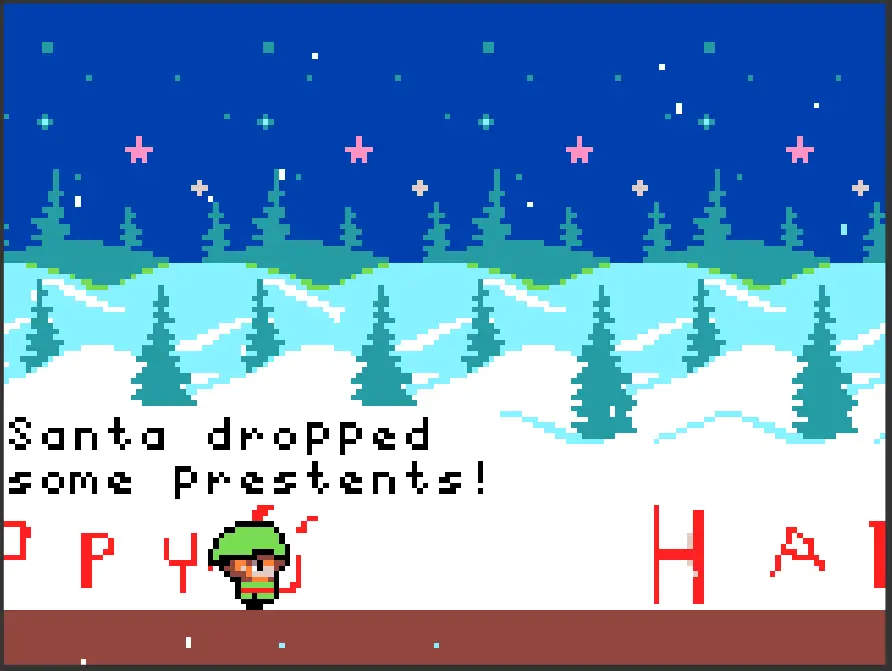
"Santa's Little Helper" - Ithamar
What an achievement this Game Jam entry is! Using the base game, this member jam packed as many cool and unique features into this Christmas feature; from adding cool effects and animation to the backgrounds, to creating an opening cutscene with Santa to finally adding a win condition for the player.
In addition, we have to highlight the cosmetic designs of the game with the secret Happy Christmas messages in the snow and the adorable little elf character.
What an amazing set of entries we've had so far from some of our most experience members to even tasters! Well done to everyone who has taken part in the Game Jam so far, all of us mentors are blown away with your creativity and we've all been sharing the entries amongst each other to enjoy the Christmas cheer.
Please do continue to make games and share your entry for the Game Jam as there is still time before we all break up for Christmas.
Happy Coding!