Read all about what our children have been creating in our Game Dev Club!
Kicking off this week, our coding whizzes blasted through Flyie Drone's guided hack this evening and even completed some fun hacks of their own.
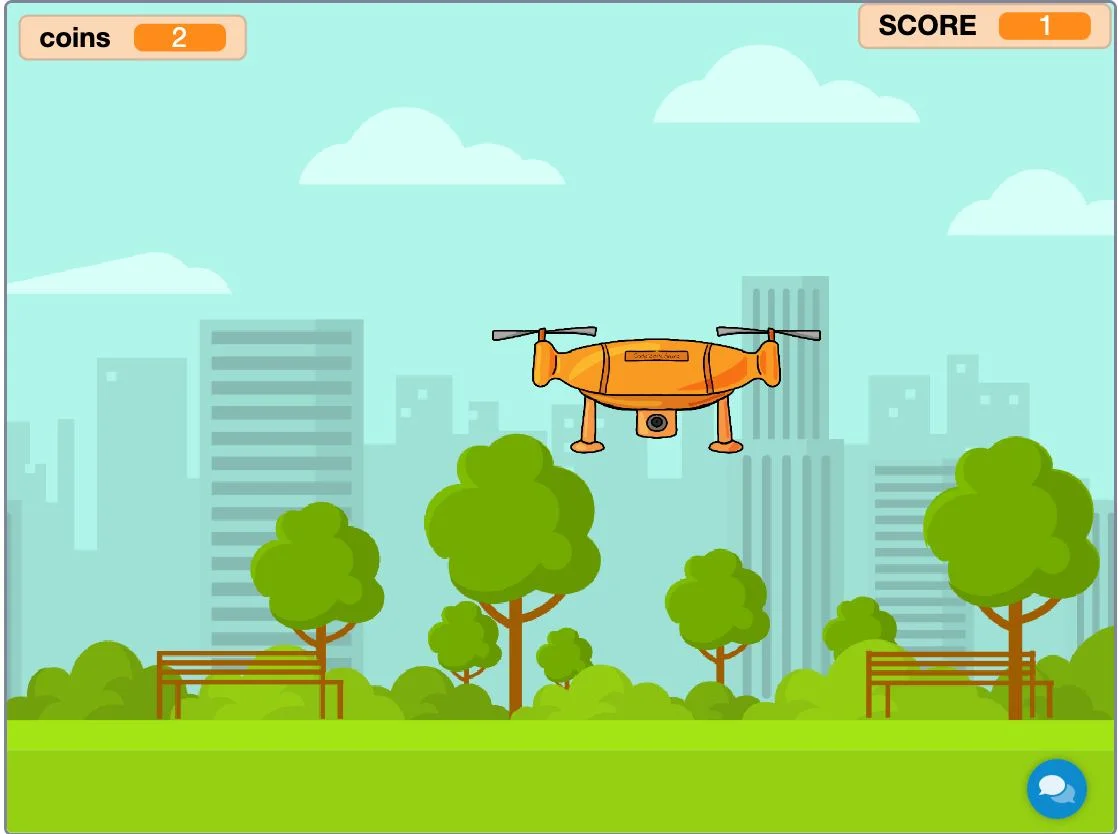
'Flyie Drone' is the Code Zone's answer to the well-beloved mobile game flappy bird. In this game, you must navigate your drone through the obstacles without touching them and without letting your drone drift to close to the edges - otherwise its game over! The Guided Hack is a fun bit of code that allows your background to scroll as you play, giving you a sense of movement as you fly your drone. By creating a clone of the background, utilising different layers and executing the movement with a broadcast block, we can make a still image appear as if it is continuously scrolling - neat!
Our club members also came up with some fantastic hack ideas of their own. One of our regulars added a score multiplier using the pre-coded coins and took it even further and created a magnet effect on their drone so the coins would automatically glide to the player effortlessly.
Another member replaced their coins with enemies and equipped their drone with a laser, meaning the player had to blast away the enemies whilst also trying to navigate the obstacles in order to move forward.
One ambitious idea was to have the ability to change your drone for another. By utilising some clever broadcasting code, we were able to create a menu at the beginning of the game where the player could select which drone they would like to fly. Another code zone member implemented a lives system; starting with only 1 life, your drone could collect more lives along the way but at the risk of hitting an obstacle whilst trying to obtain it. Risky business!
Posts like this one are written by the mentors, about what members have been building. The Game Dev Academy has no fixed session time: a new build goes up every week and a child opens it whenever they are ready, with a STEM-certified mentor answering by text and video message when they get stuck.
Children build their own games rather than following a set course, starting in Scratch. Levels move down as readily as up, and staying where you are is a perfectly good outcome. Every mentor is background-checked and STEM-certified.
The blog is in two halves. Guides are the evergreen explainers written by the mentors who teach the clubs, covering the questions parents actually ask: what comes after Scratch, how to support a coding-mad child when you cannot code yourself, and what works for autistic and ADHD children.
Club news is the other half, and it is where posts like this one live: game jams, Minecraft builds and weekly roundups, written up by whoever ran the session. Neither is marketing. If you want to know what the work actually looks like before you sign up to anything, club news is the more honest read of the two.