
Minecraft Round Up - Let's Play On Rails Archery
In this week's Minecraft Mod Club, we are continuing our Minecraft Mini Game Series and playing On Rails Archery:)🚂
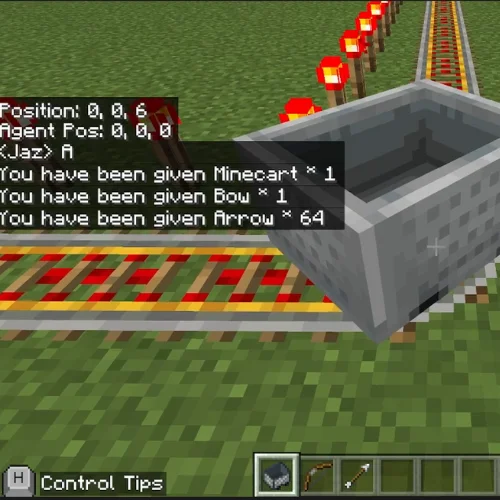
In this mod, the players are whizzed around a powered railway track and equipped with a bow and arrow. To get this game started, the player simply places their cart on the tracks, right clicks to jump in and goes forward to get the cart rolling. The aim of the game is to hit as many targets as possible - see how many you can hit within just three laps!
The code for this mod is made up of 4 different functions, called one after another. The first function creates the powered rails by using 'Shape' type blocks - by placing 4 lines of tracks, and then surrounding them with Redstone torches the player can roll around the track seamlessly.
This in then followed by calling the corner rails function we coded in order to join each of the 4 lines of previously coded tracks together. Thirdly, we call the function target; by using a repeat block we are able to control the amount of targets placed inside our railway tracks. We also include some randomisation code to make sure each target is sporadically placed around the tracks.
This means that every time you use this mod the targets will always be in different places making each game unique - how cool! The final function our trust item function - we use this to give the player their cart, their bow and of course their arrows.
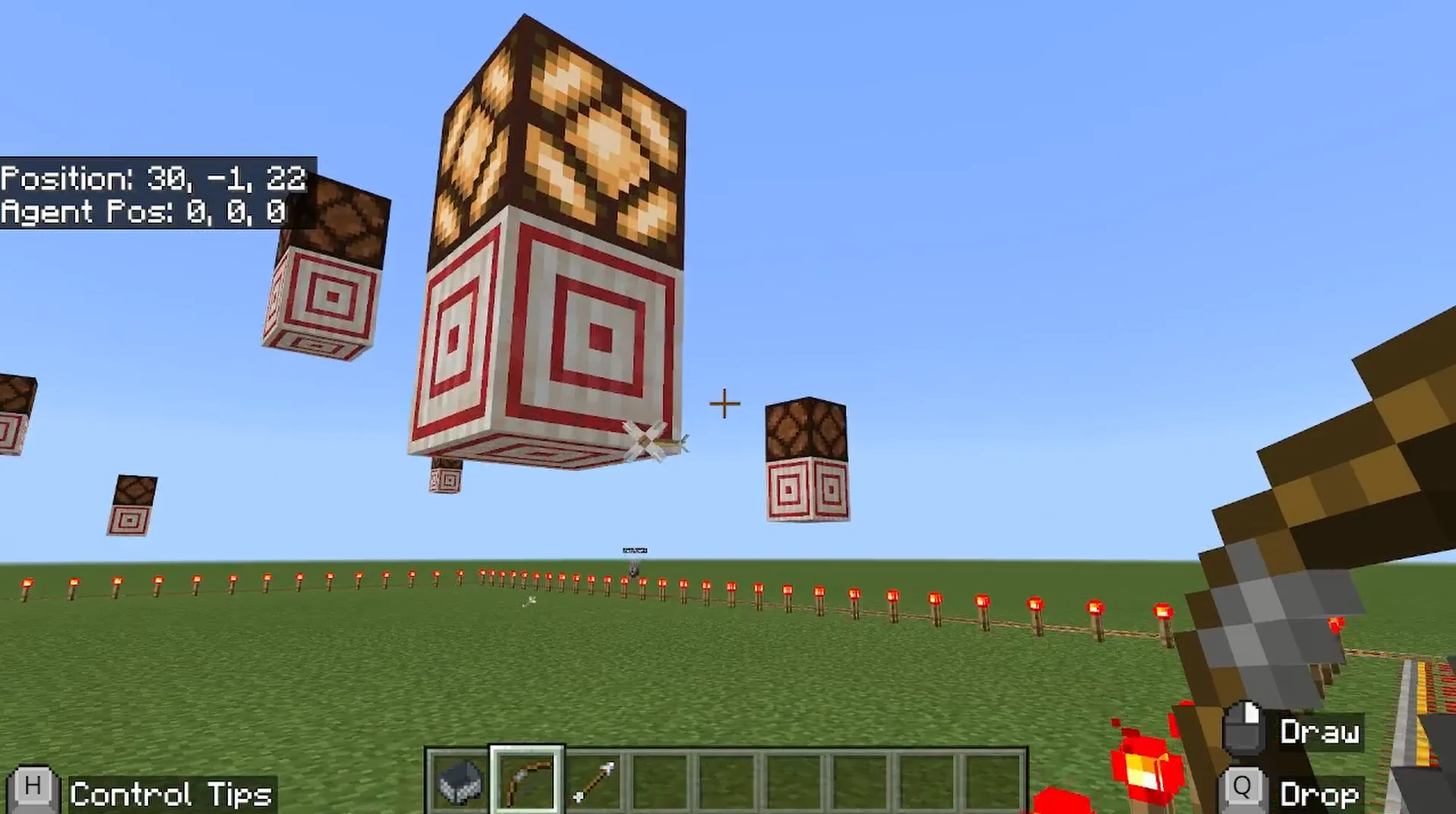
Try modding this code to make it your own! You can make the tracks as short or as long as you like by editing the coordinates in the powered rails and corner rails functions. You can also edit the repeat block within the target function to give yourself more or less targets depending on how easy or hard you want to make On Rails Archery for you and your friends!
Let us know how you did in On Rails Archery and what size tracks you created. Until next time, happy building!
About Minecraft Mod Worlds
Minecraft Mod Worlds gives every member their own world to change with real code, using Minecraft Education Edition. It is included in membership rather than sold separately, and it is usually where a child who thinks they are not interested in coding discovers otherwise.
It comes with the Game Dev Academy, which is self-paced: no fixed session time, and a STEM-certified mentor answering by text and video message during the week.
More like this
The blog is in two halves. Guides are the evergreen explainers written by the mentors who teach the clubs, covering the questions parents actually ask: what comes after Scratch, how to support a coding-mad child when you cannot code yourself, and what works for autistic and ADHD children.
Club news is the other half, and it is where posts like this one live: game jams, Minecraft builds and weekly roundups, written up by whoever ran the session. Neither is marketing. If you want to know what the work actually looks like before you sign up to anything, club news is the more honest read of the two.
Creating an account is free and we do not ask for card details. Create a free account, see what it costs, or read about support for neurodivergent children.


