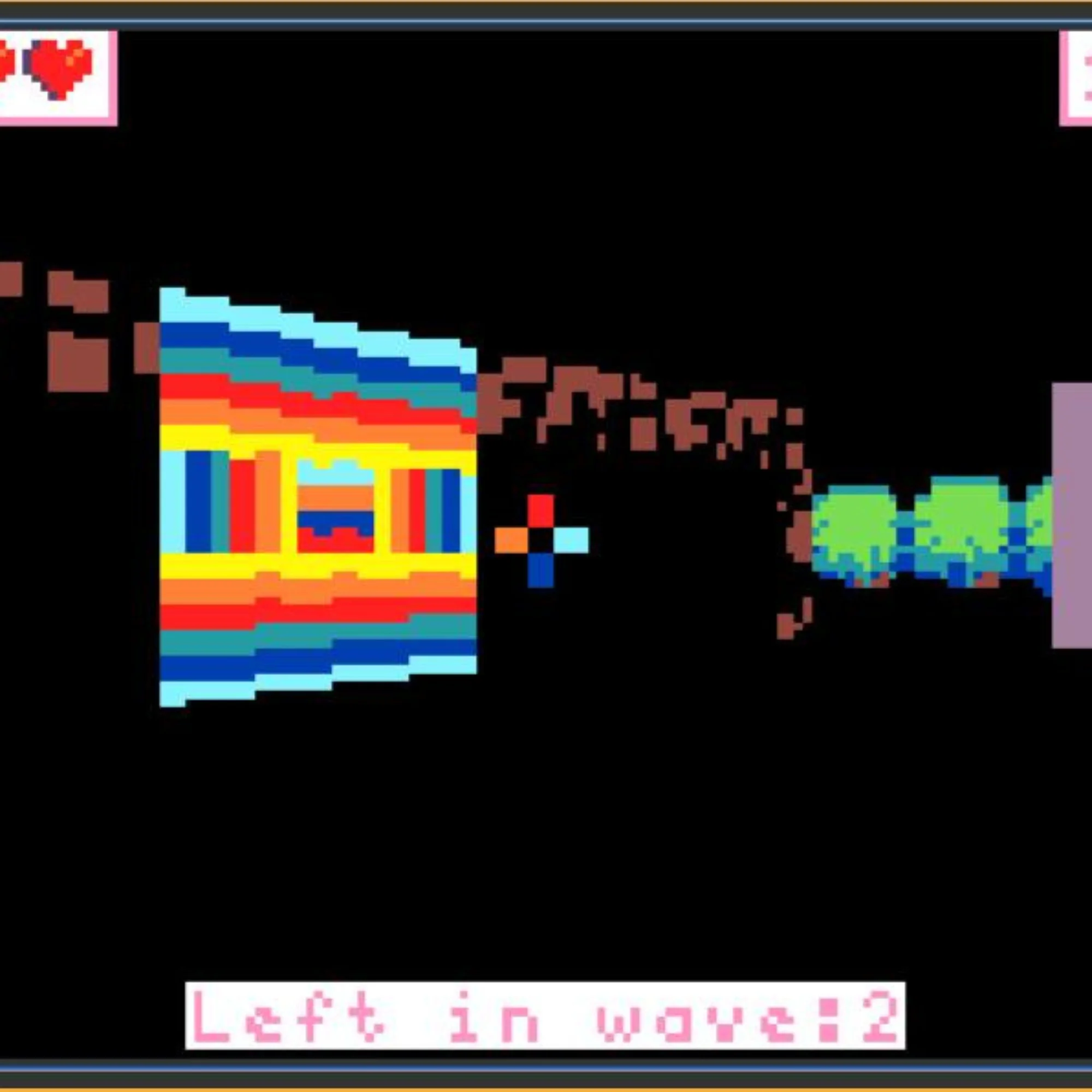
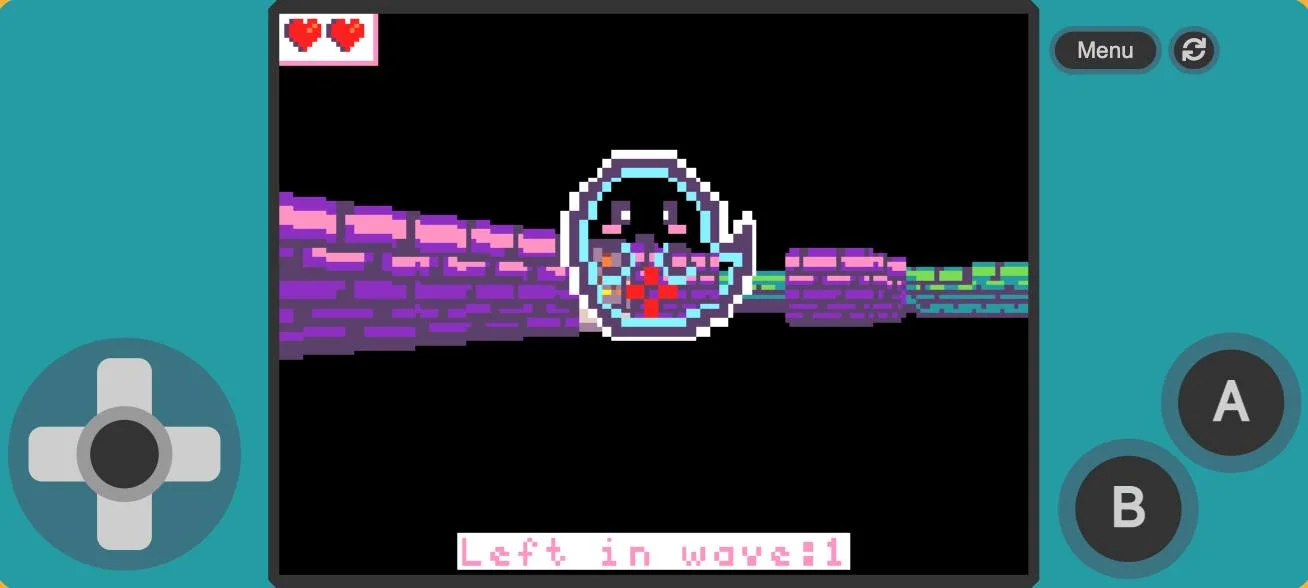
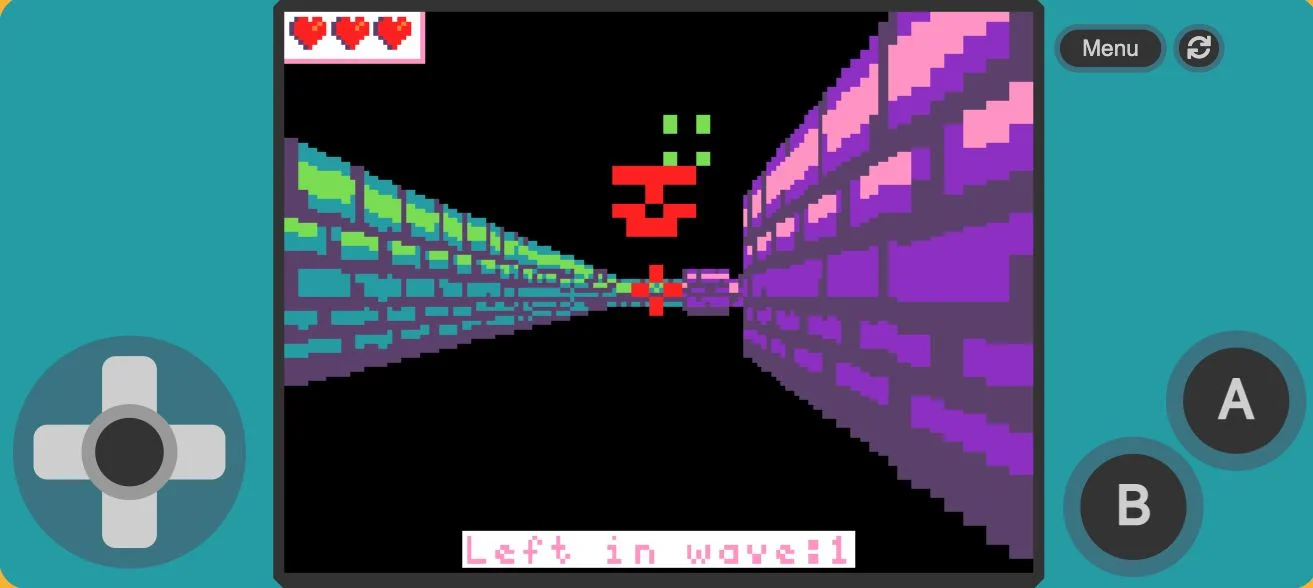
We are back at it again this week modding our Shadowy Shootout game
In this game, we as the player have to survive waves of ghost enemies by running through our maze and blasting them away. This game uses a Ray Cast 3D Render extension which transforms our usual top-down tile maps into a full 3D game! There's also lots of fun coding piece in this extension including the ability to toggle your game from 3D back to top-down view. It also offers some sprite animation which manipulates the sprite's 'Z' axis to give the illusion of movement - very cool
For this week's Guided Hack, we decided to give our maze an upgrade in addition to the bomb upgrade we gave our player last week. We added some doors to our maze so that our player can escape through them. Using on-overlap coding blocks, we coded it so that ONLY a Player-Kind sprite can activate the doorway tiles which open the door - but no other Sprite-Kind can meaning that ghosts are barred from using the escape routes! We saw all sorts of cool doors today from colourful portals to metal trap doors; anything to keep those pesky ghosts away.
Taking the on-overlap code we used today in our game engine, we worked on our 'On Overlap Tile' Coding Skill at the end of the session. This coding skill gets us writing in Python and using variables, functions and a scene.on_overlap_tile script, which changes the background once a certain Sprite-Kind steps on a certain tile. This is incredible useful for when we want sprites to interact with out Tilemap worlds.
If you ever need any help or advice on which Coding Skills to try out, just drop me a message in the Blue Chat Bubble - there's always a mentor on hand to help!
About The Code Zone Academy
Posts like this one are written by the mentors, about what members have been building. The Game Dev Academy has no fixed session time: a new build goes up every week and a child opens it whenever they are ready, with a STEM-certified mentor answering by text and video message when they get stuck.
Children build their own games rather than following a set course, starting in Scratch. Levels move down as readily as up, and staying where you are is a perfectly good outcome. Every mentor is background-checked and STEM-certified.
The blog is in two halves. Guides are the evergreen explainers written by the mentors who teach the clubs, covering the questions parents actually ask: what comes after Scratch, how to support a coding-mad child when you cannot code yourself, and what works for autistic and ADHD children.
Club news is the other half, and it is where posts like this one live: game jams, Minecraft builds and weekly roundups, written up by whoever ran the session. Neither is marketing. If you want to know what the work actually looks like before you sign up to anything, club news is the more honest read of the two.